How to Add a Meta Business Account to LeadSync
To add a Meta (Facebook) Business account to LeadSync, so that we can connect to leads from Pages connected to your business account, please do as follows:
- You will need to be an admin user of the Business Account you with to attached to your LeadSync account
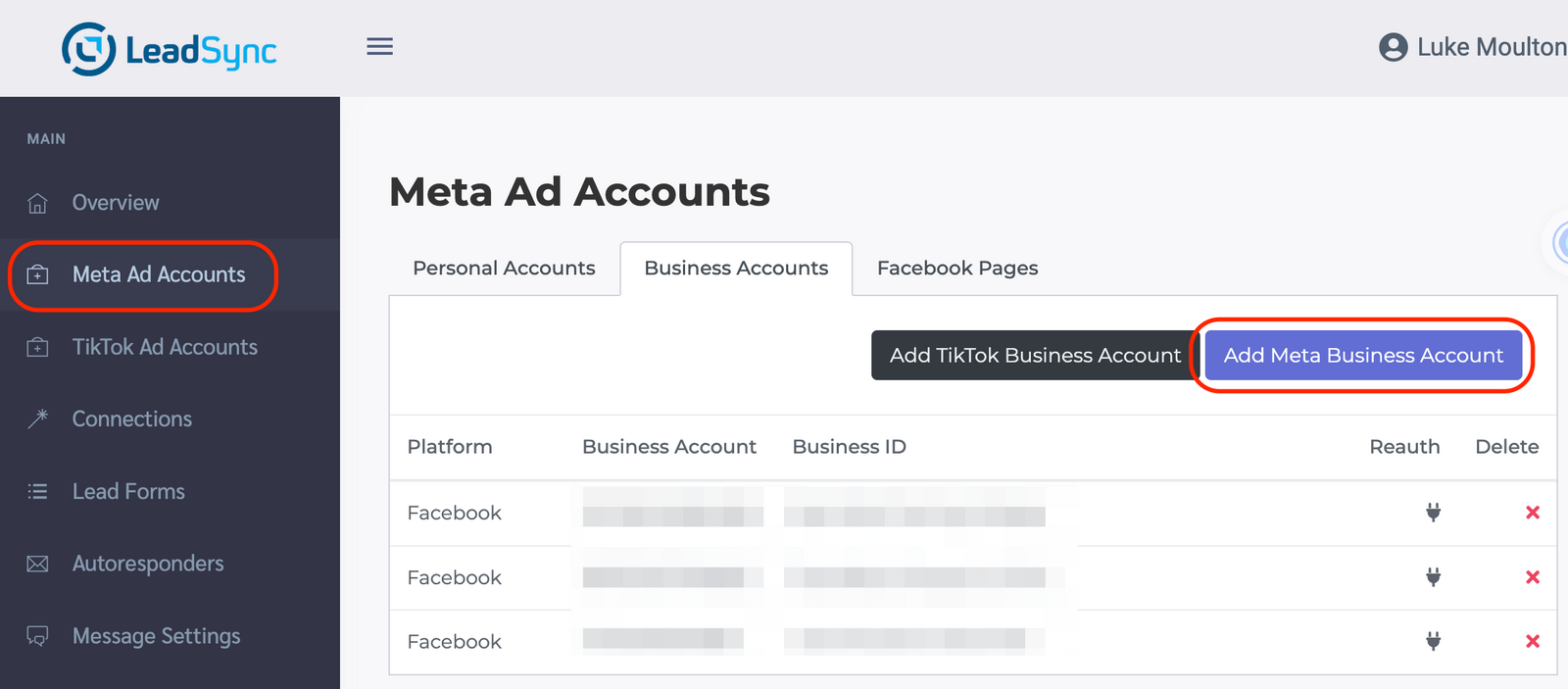
- Go to the Mete Ads Account section and click the Add Meta Business Account button
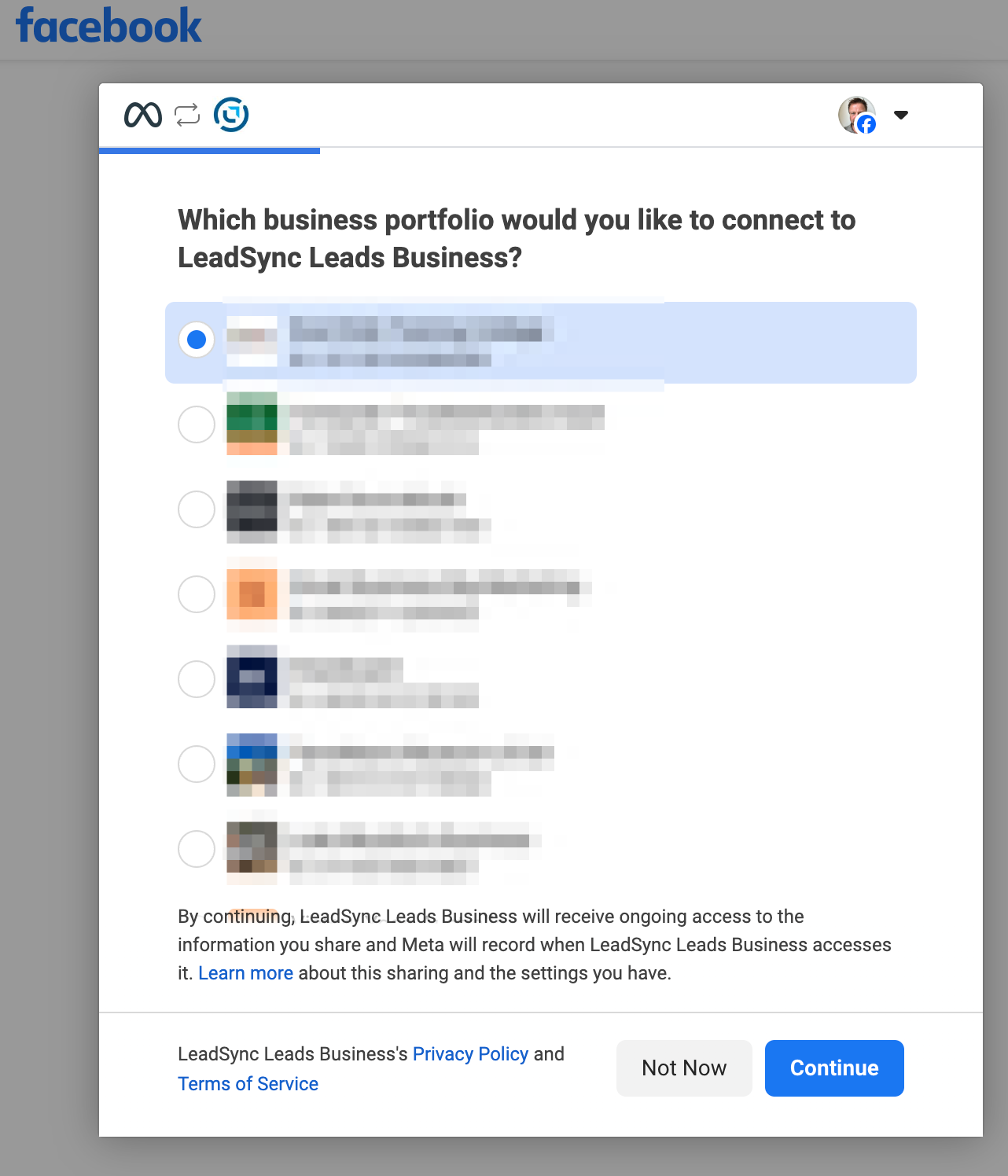
- Select the business account you wish to add to LeadSync
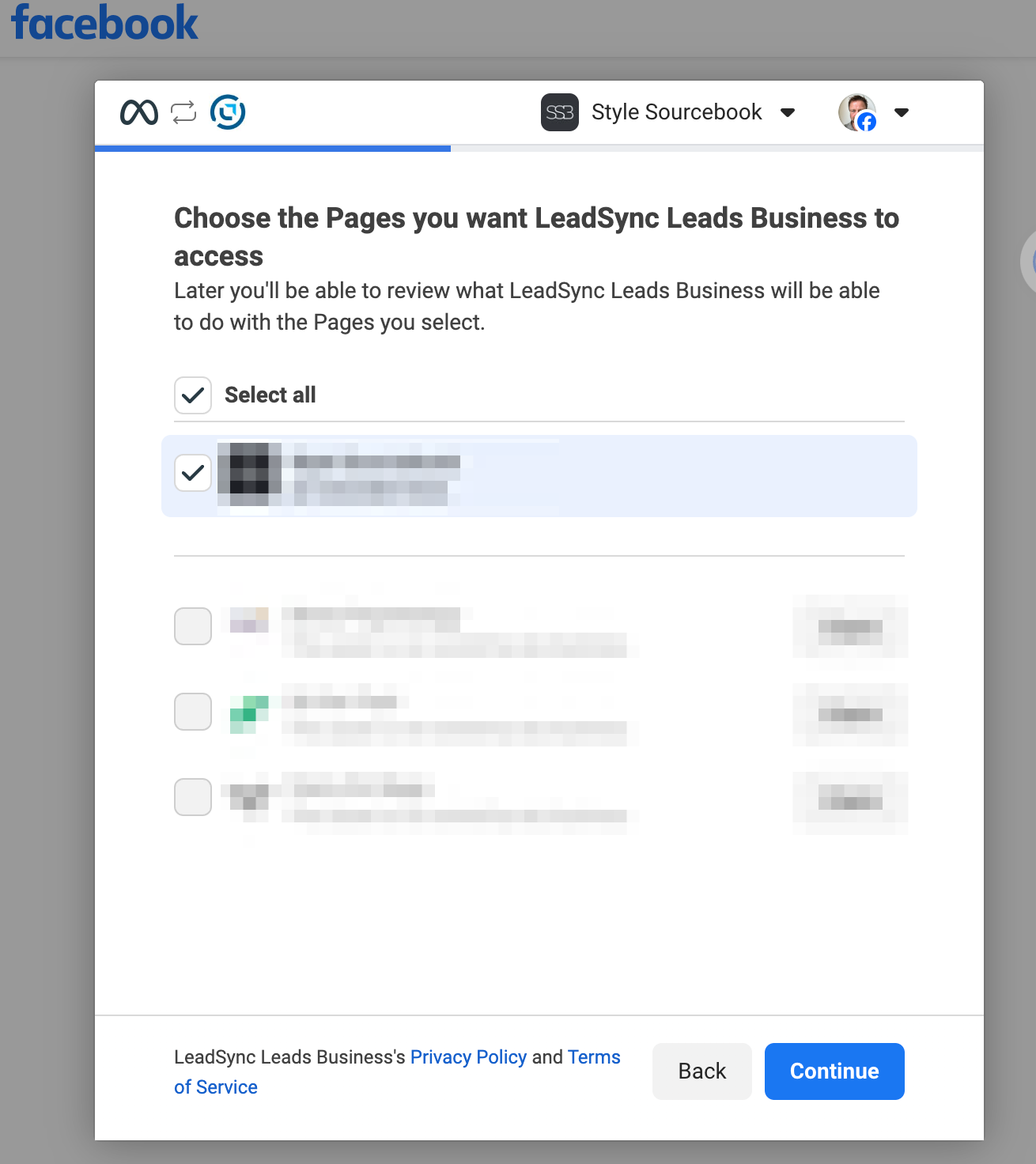
- Select the Page you wish to access leads from
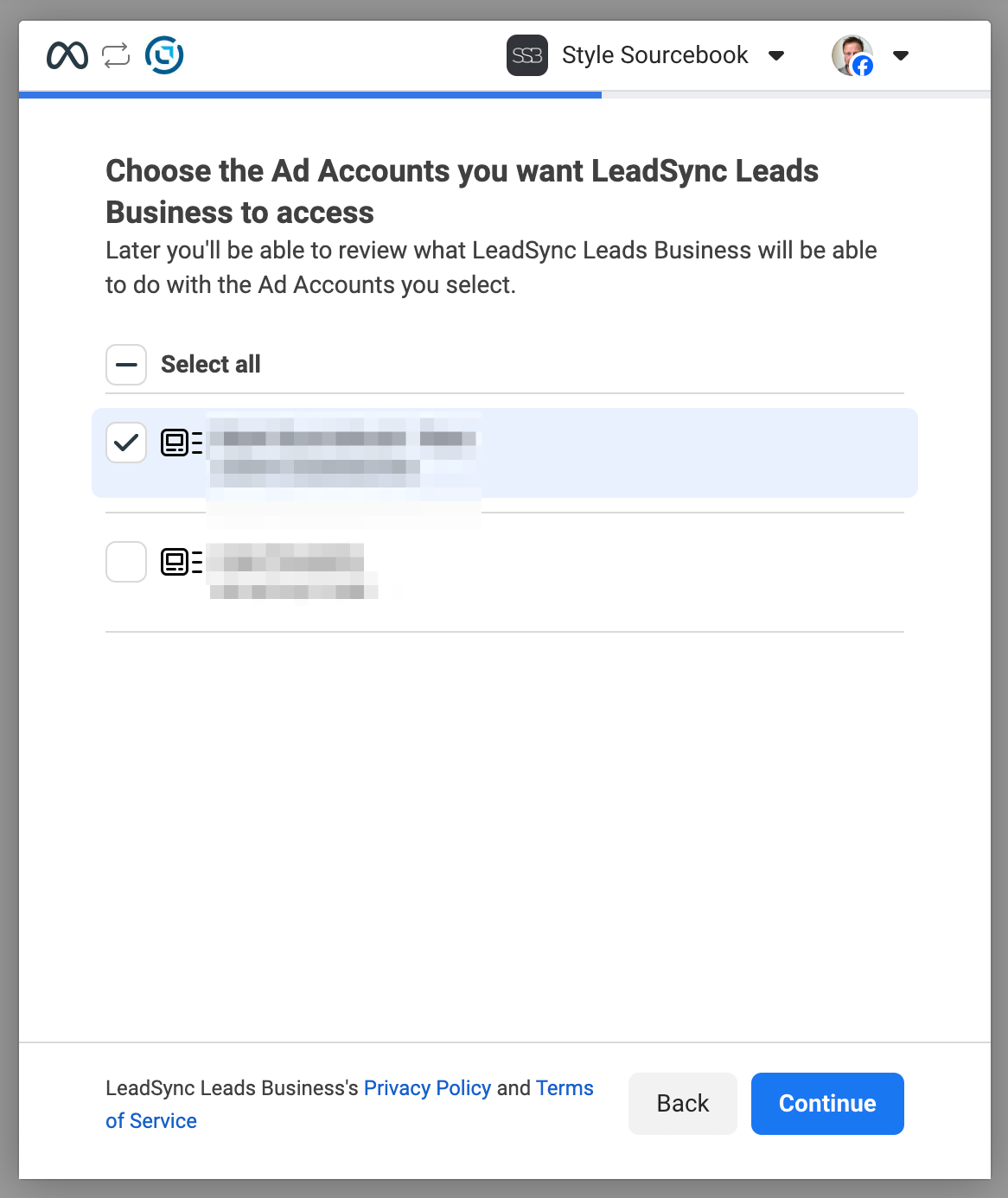
- Select the Ad Account
- Read and accept the terms
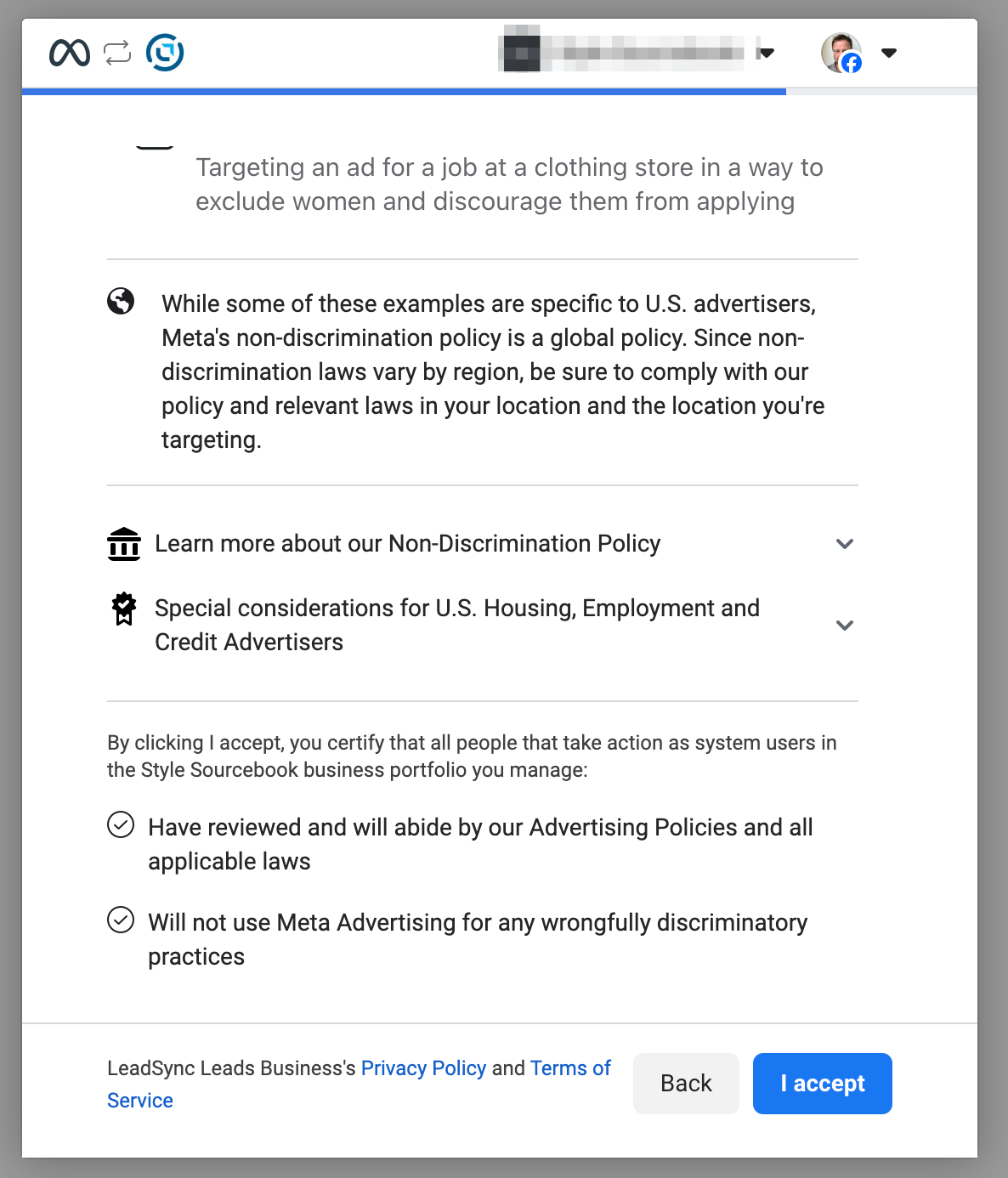
-
Review and accept the connection
-
You should now see the business account in your LeadSync Business Accounts Tab.